
Documentation
EasyParcel Shipping — Full Guide
On this page
- Overview
- Installation
- Developer Hub app
- OAuth connect
- Couriers
- Checkout rates
- Fulfillment
- URLs
- Troubleshooting
Overview
EasyParcel Shipping (easyparcel) connects LiteShoper to EasyParcel for live courier rates at checkout, shipment creation, AWB printing, and tracking — primarily Malaysia (MY) and Singapore (SG).
Installation
Install easyparcel from marketplace. Plugin defaults: disabled, sandbox on, region MY.
Developer Hub app
- Register at EasyParcel Developer Hub (
api.easyparcel.com). - Create an application.
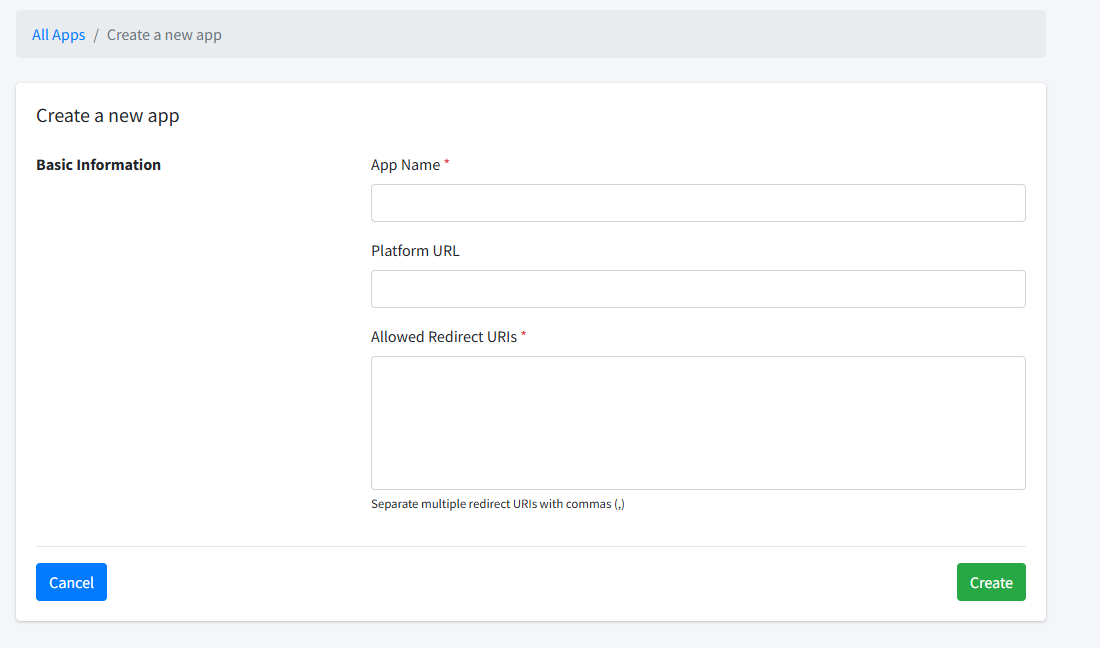
fill that and click create button.
- Copy Client ID and Client Secret.

click setting button and it will open page about showing client id and secret, copy that and paste into your website
- Set Platform URL to your store URL (shown in LiteShoper settings).
- Set Redirect URI to
https://your-store.com/easyparcel/oauth/callback
example below after click setting on easyparcel
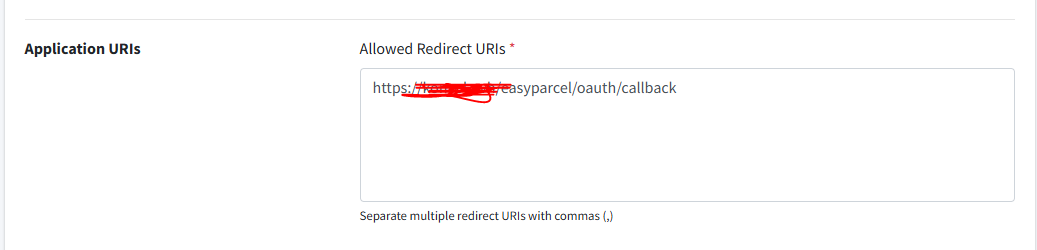
Set access token into 3600000

Then click update button. AFter that open webhook menu
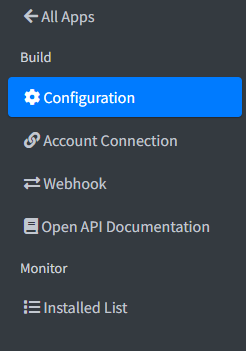
Click button add endpoint
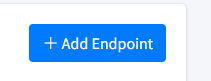
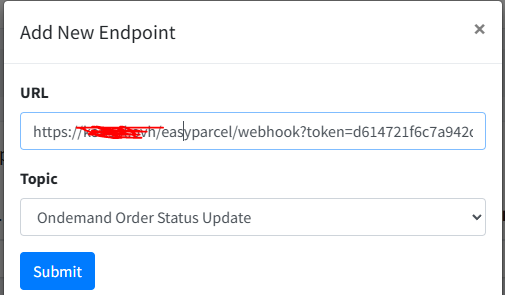
Copy that your webhook easyparcel from your website easyparcel setting then paste there like that & choose topic then click submit button.
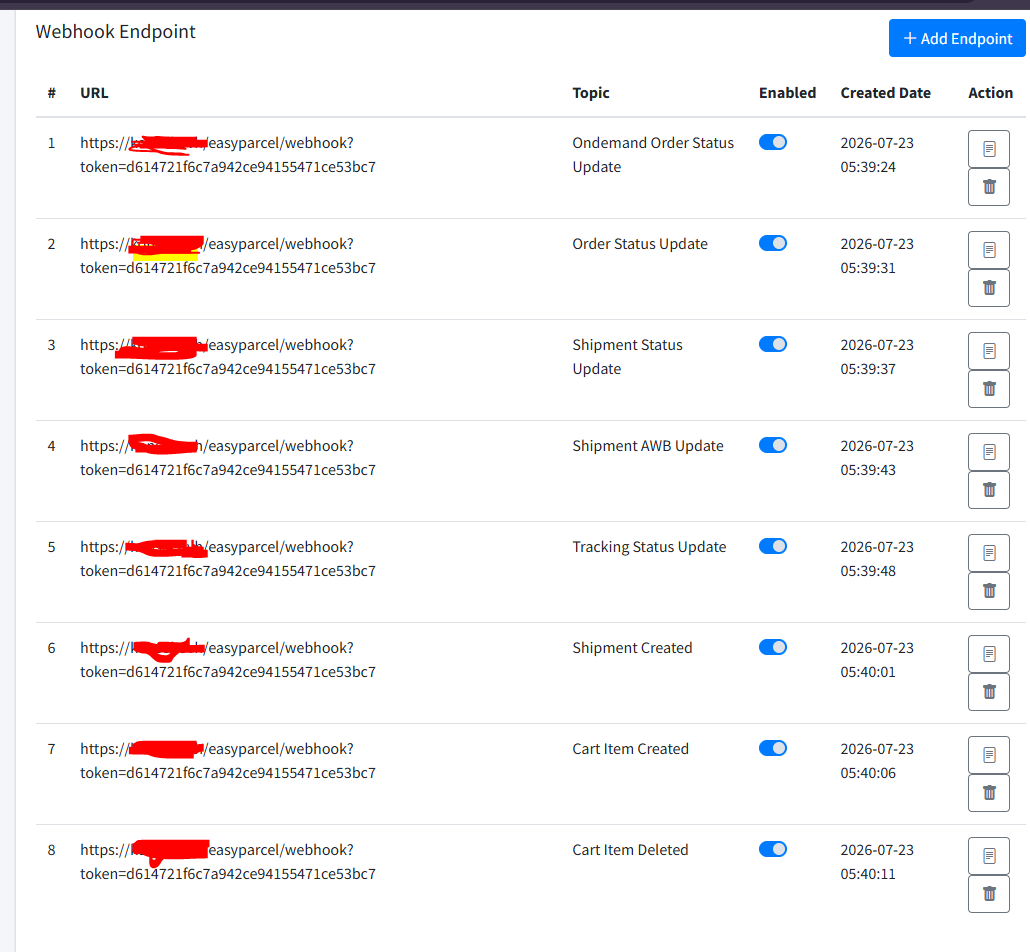
you need do it again with all topic selected. example like image below
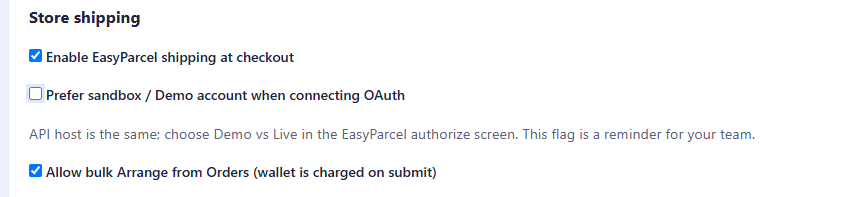
Note: on your website setting, For live/production, please uncheck sandbox
OAuth connect
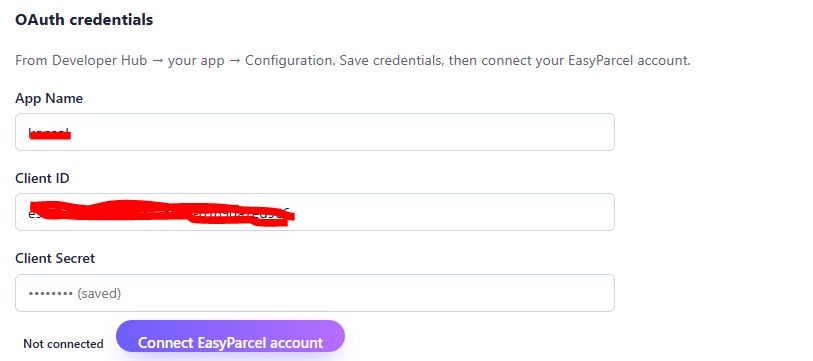
Admin: EasyParcel → Settings
- Save Client ID and Secret.
- Click Connect EasyParcel account.
- Authorize in EasyParcel → tokens stored automatically.
- Test API / wallet balance from settings. (If you use sandbox)
Couriers
EasyParcel → Couriers
- Sync courier list from EasyParcel.
- Enable couriers to offer at checkout.
- Set markup per courier (optional).
Configure sender pickup address in Settings.
Checkout rates
When enabled, customers see live EasyParcel rates based on postcode, state, country, and cart weight.
AJAX endpoint: GET /easyparcel/checkout-rates?postcode=&country=&state=
Fulfillment
- Create shipment from order view in admin
- Bulk arrange from orders list
- Print AWB labels
- Refresh tracking — syncs to order tracking fields
- Auto pay option charges EasyParcel wallet when creating shipment
URLs
| Path | Purpose |
|---|---|
/easyparcel/oauth/callback |
OAuth return |
/easyparcel/webhook |
EasyParcel events (POST) |
/easyparcel/checkout-rates |
Live rate quotes |
Troubleshooting
- OAuth invalid state — retry connect; check session cookies
- Save Client ID first — before connect button works
- Not enabled — toggle shipping on in settings
- No rates at checkout — couriers not synced/enabled; invalid postcode